Google AI Mode: what it is and what it means for your business
What Google AI Mode is, how it differs from AI Overviews, how it works in India, where websites, local businesses, products and ads appear, and what to do now.
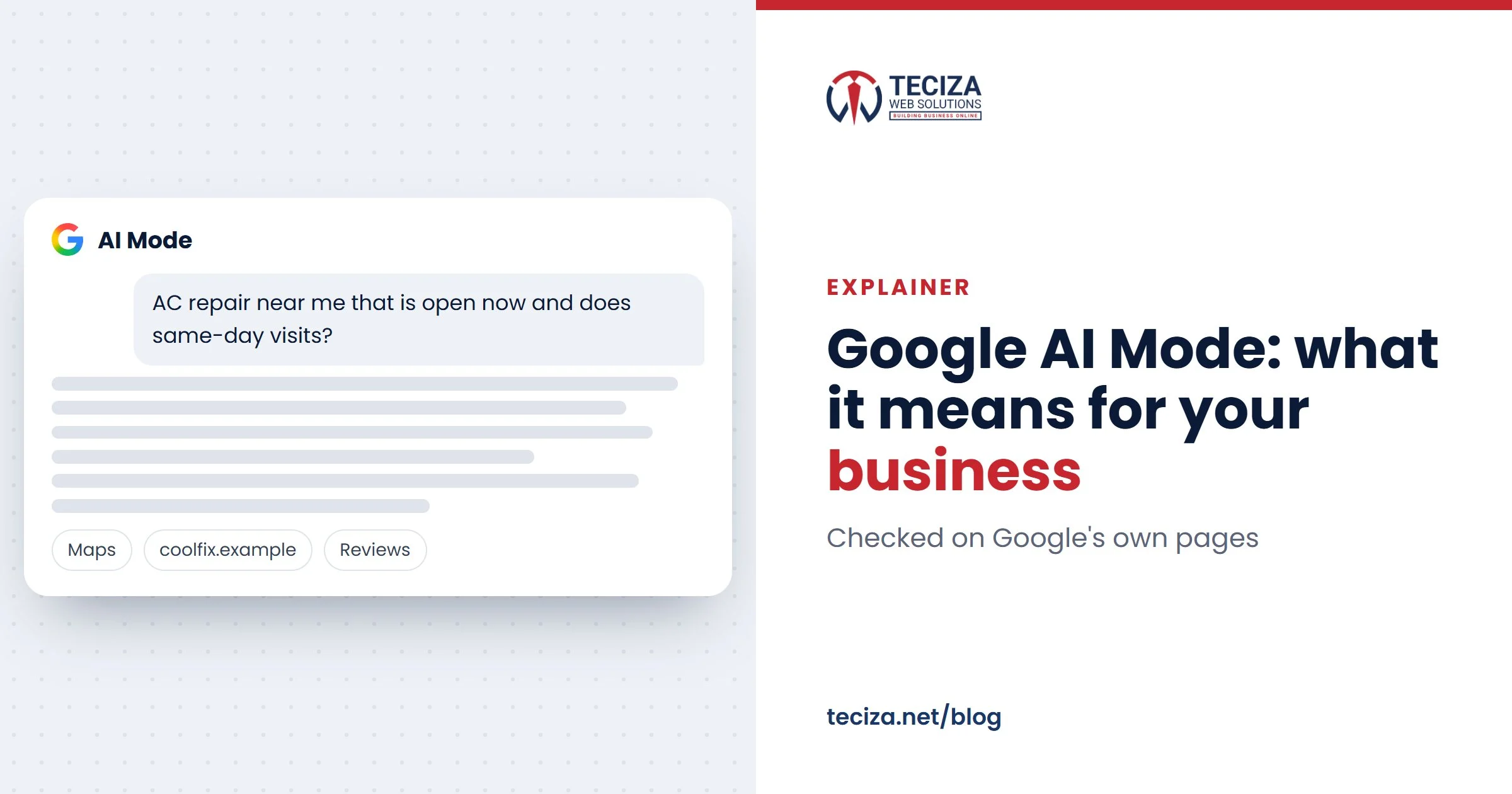
Short answer: Google AI Mode is the conversational part of Google Search. You ask a full question by typing, speaking or using a photo, get an AI-written answer with links to websites, and keep asking follow-up questions in the same thread. AI Overviews are the short AI summaries at the top of some normal results; AI Mode is a separate space you choose for longer, more complex questions. It works in India in English, Hindi and many other Indian languages, and it rewards businesses with clear facts, a complete Business Profile, real reviews and good product data.
This guide is for business owners in India who want to know what AI Mode changes for winning customers: how it works, where websites, local businesses, products and ads appear, and what you can measure and control. Every product fact is from Google’s own pages, checked on 11 November 2026.
What is Google AI Mode?
Google describes AI Mode as its most powerful AI search experience. You get a written answer built from many web pages, with source links and a box for your next question. You open it by selecting AI Mode after typing a question on google.com, by going to google.com/ai, or from the Google app’s home screen.
AI Mode started as a Search Labs experiment in March 2025. In May 2026, Google said it had passed one billion monthly users. Google’s help page lists India among the supported countries, with English and Hindi plus Bengali, Gujarati, Kannada, Malayalam, Marathi, Odia, Punjabi, Tamil, Telugu and Urdu among its languages.
Google also says AI Mode doesn’t always get it right: one more reason to keep the facts about your business correct, and the same everywhere.
AI Mode vs AI Overviews vs classic search
All three sit inside the same Google Search. Google says AI Overviews give a quick overview and a starting point for exploring links, and appear only when its systems judge that they add something to the classic results. AI Mode is meant for complex questions and conversation.

Read this comparison as a table
| Point | Classic search | AI Overviews | AI Mode |
|---|---|---|---|
| What you get | A ranked list of results | An AI summary with links, above the results | A full AI answer with links, in a conversation |
| When it shows | Every search | When Google judges it helpful | When you choose AI Mode |
| Best for (our view) | Finding a known site or page | A quick overview of a topic | Complex questions with several parts |
| Follow-up questions | A new search each time | Ask one and continue in AI Mode | Built in, with the context kept |
| Ads in India | Search ads, labelled Sponsored | Within it, in English, labelled Sponsored | Within it, in English, labelled Sponsored |
| In Search Console | Performance report, Web search type | The same, plus the Generative AI report | The same, plus the Generative AI report |
People can’t switch AI Overviews off, but the Web filter shows only links. Since May 2026, a follow-up asked from an AI Overview carries on in AI Mode. In Google Analytics 4, unpaid visits from all three count as organic search.
How AI Mode builds an answer
Google calls the method “query fan-out”: AI Mode splits your question into subtopics, runs several related searches at once and combines the results into one answer. When it isn’t confident an AI answer would help, it shows web links instead.
Take a hypothetical question: “inverter split AC for a west-facing bedroom in Ahmedabad, and who installs near Satellite on Sundays”. One answer could draw on a manufacturer’s product pages, a dealer’s website, and Business Profiles on Maps with their reviews.
People can type or speak, add an image, a PDF or a web link, and ask follow-ups in the “Ask anything” box. With Search Live they talk to AI Mode and point the phone camera at something; since March 2026 it works wherever AI Mode does, including in Gujarati, Marathi, Tamil and Bengali. Google said in October 2026 that AI Mode queries are on average three times longer than traditional searches, and one in five worldwide use voice, images or documents. People ask as they would ask a shopkeeper, with area, budget and timing in the question.
Personalised answers
AI Mode can personalise answers for people aged 18 and over with history turned on, and they may connect Gmail, Google Calendar or Google Photos. In May 2026, Google said this feature, Personal Intelligence, was expanding to nearly 200 countries and territories. The result: two customers asking the same question may see different answers, so there is no single “AI Mode ranking”.
Where your business can appear in AI Mode
An AI Mode answer can draw on three things a business controls: its web pages, its Business Profile and its product data. Ads come next.
Your website, as a supporting link
Google’s rules for AI Mode are the rules of Search: a page must be indexed and eligible to show with a snippet, and the site must be included in Search generative AI features, which is the default. Google says there are no extra technical requirements and no special files to add. If your key pages aren’t indexed, start with technical SEO. How to write pages that AI answers can use is covered in our guides to AI SEO and AEO and GEO. The controls, in short:
nosnippetandmax-snippetstop or limit your text being used as a direct input for AI Overviews and AI Mode.noindexremoves a page from Search altogether.- The Search generative AI setting in Search Console (Settings > Search generative AI) excludes your whole site from AI Overviews, AI Mode and Discover’s AI features within 1-2 days. Normal results aren’t affected.
- Google-Extended is not a Search control. This robots.txt token covers Gemini training and grounding in Gemini apps and Vertex AI. Google says it doesn’t affect inclusion or ranking in Search, so blocking it won’t keep you out of AI Mode.
Our advice: stay included. Excluding your site doesn’t change your normal rankings; it only removes you from the answers your customers are reading.
Local businesses: place cards, profiles and calls from Google
Google said in May 2025 that AI Mode shows place cards for restaurants, salons and stores with ratings, reviews and opening hours, plus ways to call or get directions. Its AI guide says a Business Profile helps your products and services show up in AI responses as well as in other Search results.
AI Mode can also check appointment slots, service costs or stock nearby. If a business hasn’t put that online, Google may call it on the customer’s behalf (signed-in users over 18, in English; for India, the help page lists dining reservations, in English and Hindi). You control these calls in your Business Profile under More > Business Profile settings > Advanced settings > “Google automated calls and text messages” (switching them off needs a verified profile).
Our advice: leave bookings and enquiries on if someone answers your phone, and publish your hours, booking slots and how your pricing works on your website and profile, so nobody has to call to find out. Our Google Business Profile service covers the profile side.
Online stores: product data
Google’s AI guide says AI responses can include product listings, and that Merchant Center helps products appear in AI responses and other Search results. Free listings are on by default for most Merchant Center accounts. Merchant Center’s AI performance insights report compares your share of impressions in AI Mode and AI Overviews shopping questions with competitors you choose (organic only, English queries, India included). Google’s advice: fill in missing attributes. Buying inside AI Mode (“Buy now”) is US-only for now.
For example, a Surat saree store whose feed lists fabric, colour and occasion gives AI Mode more to match “light cotton saree for office wear” than a title and a price.
Ads in AI Mode: what advertisers in India should know
- India is included: Google Ads Help lists India among the countries where ads can appear within AI Overviews and AI Mode, in English.
- No new campaign is needed: Search, Shopping and Performance Max campaigns are eligible automatically, with text and Shopping ads.
- Ads are labelled “Sponsored” and set apart from the answer. Google says paid advertising doesn’t influence the AI’s organic responses.
- There is no separate switch: you can’t target or exclude AI Mode on its own. Negative keywords and brand exclusions still apply.
- Reporting is combined: AI Overviews and AI Mode results are included, in aggregate, in your normal campaign and search terms reports.
Our advice: as AI Mode questions are longer, read your search terms report more often and judge campaigns on enquiries and sales, not clicks. When we manage Google Ads, the client pays the ad budget directly to Google and our fee is separate.
What AI Mode means for your business
Our view, based on what Google has published: expect fewer clicks for simple questions, and better-informed visitors on the clicks you do get. Google says clicks from results pages with AI Overviews are higher quality, meaning people are more likely to spend more time on the site. Such a visitor has often compared options already, so your page must confirm the details and make contact easy.
| What changes | What it means for you | What to do |
|---|---|---|
| Longer, detailed questions | “Best quality, best service” gives an answer nothing to use | State areas, timings, brands, delivery times and how pricing works |
| Answers built from many sources | Old or wrong facts on any listing can end up in an answer | Same name, address, phone and hours everywhere |
| Place cards with ratings and hours | Your profile is compared before your website | A complete Business Profile and steady real reviews |
| Product listings in answers | Your product details are what gets matched | A full Merchant Center feed |
| Personalised answers | No single ranking to screenshot | Judge by Search Console data and enquiries |
For the wider picture, read why digital marketing matters more in the AI era.
How to measure AI Mode in Search Console and GA4
- Search Console, Performance report: AI Mode clicks and impressions are in your totals under the Web search type. A click on a link to your site counts as a click, and a follow-up question counts as a new query.
- Search Console, Generative AI performance report: how often links to your site were shown in AI Overviews and AI Mode, by page, country, device and date, with a filter for text-based and multimodal searches. It reached all websites on 31 August 2026.
- Google Analytics 4: AI Mode and AI Overviews visits count as Organic Search, not as the AI Assistant channel (ChatGPT, Gemini, Copilot and others). Set forms, calls and WhatsApp clicks as key events to see which visits became enquiries.
Our advice: once a month, note the AI impressions of your main service pages next to your organic enquiries. If impressions rise while enquiries fall, check those pages.
What to do now: an AI Mode checklist
Most of this helps in normal results too. In the order we would work:

- Be eligible: key pages indexed, snippets allowed, your site included in the Search generative AI setting.
- Write clear facts: services, areas, hours and how pricing works, in your customers’ words.
- Complete your Business Profile: categories, hours, services and photos.
- Earn real reviews: ask every customer, and reply to each review.
- Send product data: a Merchant Center feed with every attribute filled in.
- Check Google’s calls: the automated calls setting in your Business Profile.
- Review ad search terms: add negative keywords and judge campaigns on enquiries.
- Measure: the Generative AI report in Search Console, and GA4 key events.
Common questions
What is Google AI Mode?
A conversational AI search inside Google Search: you ask by text, voice or image, get an AI-written answer with links to websites, and can ask follow-up questions.
What is the difference between AI Mode and AI Overviews?
AI Overviews are short summaries at the top of some normal results, shown when Google judges them helpful. AI Mode is a separate space you choose, built for complex questions and conversation.
Is Google AI Mode available in India?
Yes, in English, Hindi and other Indian languages including Bengali, Gujarati, Kannada, Malayalam, Marathi, Odia, Punjabi, Tamil, Telugu and Urdu.
Can I stop my website from appearing in AI Mode?
Yes, with the Search generative AI setting in Search Console, or page by page with nosnippet. Blocking Google-Extended doesn’t do it.
Does Google AI Mode show ads?
Yes. In India, ads can appear within AI Overviews and AI Mode in English, labelled “Sponsored”, from existing Search, Shopping and Performance Max campaigns.
How do I get my business into AI Mode answers?
There is nothing to submit: keep your pages indexed and clear, your Business Profile complete and your reviews real. Nobody can guarantee a place in an answer.
AI Mode doesn’t replace the basics; it reads them. This week, ask AI Mode what your best customers ask, check whether you appear and the facts are right, and fix the source of anything wrong. If you’d like a hand, our SEO team helps businesses in Ahmedabad, across India and abroad show up in Google, on Maps and in AI answers.
Sources: Google Search Help: Get AI-powered responses with AI Mode in Google Search; Google: Expanding AI Overviews and introducing AI Mode; Google Search Central: AI features and your website; Search Console Help: Search generative AI control; Google Business Profile Help: About automated calls and texts from Google to your business; Merchant Center Help: About AI performance insights. Checked November 2026.
Written by the Teciza Team: digital marketing, software and website specialists in Ahmedabad since 2015. Last updated 20 Nov 2026.
More guides
The importance of digital marketing in the AI era
How customers now find businesses through Google's AI answers, Maps, ChatGPT and WhatsApp, why the basics count for more, and a checklist to get your business…
Best digital marketing company in Ahmedabad: how to choose
Agency, freelancer, consultant or in-house? Match the channels to your business, compare two or three partners on one scorecard, and get the contract and account ownership…
How to create and verify your Google Business Profile
Set up your profile the right way the first time, choose storefront or service area, and get through Google’s verification, including the video, without delays.
Want help with this?
- Tell us what you needMarketing, software or a website.
- We look at your businessYour site, your market, your goals.
- We call you backWith ideas and, if you want, a quote.
Tell us about your business
A few short questions. We reply by call or WhatsApp, 7 days a week.
Your details are only used to reply to you. Need a detailed quote? Fill our project brief.