Google Maps ranking in Ahmedabad: why it changes from area to area
Why the same Google Maps search shows different businesses in Bopal and Naroda, what Google ranks on, what you control, and how to check your position honestly.
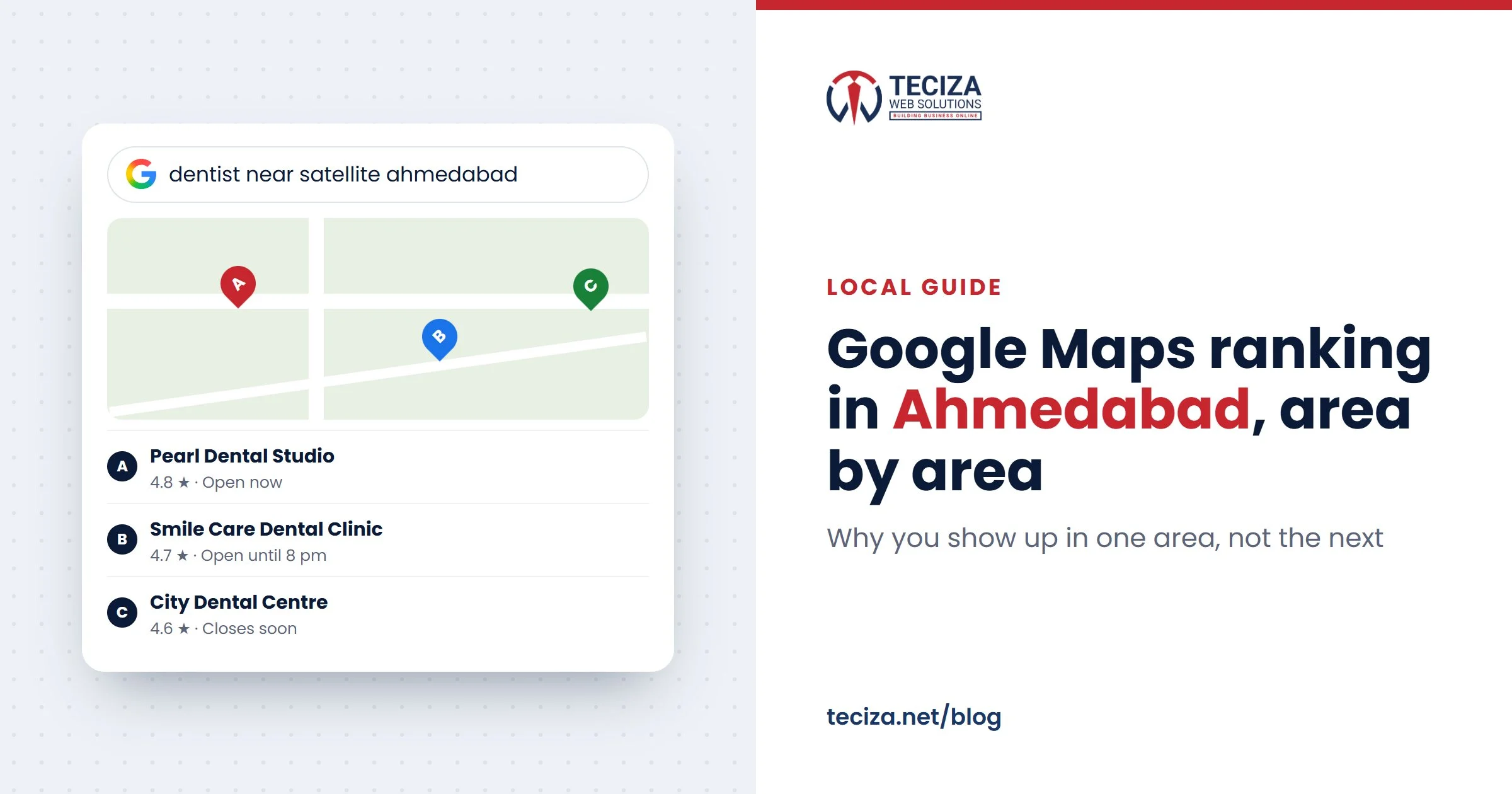
Short answer: Google Maps ranking in Ahmedabad depends heavily on where the searcher is. Google ranks local results on relevance, distance and prominence, so the same search typed in Bopal and in Naroda shows different businesses, and no single address ranks across the whole city. You can’t pay for a better position, but you control most of what decides relevance and prominence: your categories, a clean business name, accurate details, photos, services, and real reviews with replies.
This guide is for owners whose profile is live but who show up only near their own door: clinics, salons, showrooms, service firms and factories in the industrial estates. It covers why your position changes by area, what you control, how to check honestly and which shortcuts to avoid.
People in Ahmedabad search by area, not by city
Few customers search by city alone. They name an area, or type “near me”, and often add what they want next. Our team in Ahmedabad sees this in our own Search Console. Three real searches that reached our website in the last three months:
- “advertising company near Kathwada, Ahmedabad with phone number”
- “e commerce agency near Odhav, Ahmedabad with phone number”
- “IT company in Nikol Ahmedabad”
The first person wants a business close to Kathwada and a number to call today. A map listing with a call button answers that faster than any web page. Few people cross the city from Bopal to Naroda for a haircut, so the real question is where you rank for people close enough to come to you.
How Google Maps ranking works in Ahmedabad: relevance, distance, prominence
Google’s Business Profile Help page “Tips to improve your local ranking on Google” names three main factors that work together to find the best match for a search.

Read this comparison as a table
| Factor | What Google says it means | Local example |
|---|---|---|
| Relevance | How well your Business Profile matches what someone searched for. Complete, detailed business information helps. | A pipes and valves supplier in Naroda GIDC under a broad category can miss “pipe fittings supplier” |
| Distance | How far your business is from the person searching | A dental clinic in Satellite drops away for searches in Naroda |
| Prominence | How well known your business is, based on information such as how many websites link to it and how many reviews it has | A salon in Chandkheda with a steady flow of real reviews and replies |
The same page says more reviews and positive ratings can help your local ranking, and that “there’s no way to request or pay for a better local ranking on Google”. Anyone promising a fixed spot on the map is selling something Google doesn’t sell.
Why the same search in Bopal and Naroda shows different businesses
Distance is measured from the person searching. If they don’t share their location, Google uses what it knows about where they are. So “dentist near me” typed in Bopal and in Naroda brings up two different maps.
Take the dental clinic in Satellite. For searches in Satellite, Prahlad Nagar or Vastrapur it may sit near the top. In Naroda, many clinics are closer and it drops off the first screen. Nothing is wrong with the profile: distance decides.
That is why one address can’t rank everywhere in Ahmedabad. You can’t change distance honestly, but you can:
- Win your own area clearly. In our experience, a profile that matches well and is well known keeps showing further from its door than a thin profile closer to the searcher.
- Open a real branch where demand justifies it, with its own profile.
- Use your website and ads for areas your map listing doesn’t reach.
Specialists often reach further, because fewer businesses match: a Naroda GIDC supplier of an uncommon valve may show for buyers in Vatva, while a general hardware shop next door wouldn’t.
Storefront or service area: clinics, salons and factories
One setting decides whether Google shows your address. Google’s rules:
- Storefront (address shown): customers can visit you at a place staffed by your team during your stated hours, with a permanent sign showing your business name.
- Service-area business (address hidden): you visit or deliver to customers and don’t serve them at your address. You can add up to 20 service areas by city, PIN code or other area, all within about 2 hours’ drive of your base.
- Hybrid (address shown, plus service areas): customers come to you and you also go to them.

Clinics and salons are clear storefronts; factories are less obvious. Many units in Odhav, Kathwada, Naroda, Vatva and Changodar hide their address because “it’s only a factory”. But if buyers, dealers or contractors come to your unit during working hours to see samples, collect material or discuss an order, and the unit is staffed with your name board at the gate, you meet Google’s storefront conditions: show the address. If your team also installs at customers’ sites, add service areas as a hybrid.
In an industrial estate, also:
- Put the map pin on your gate, not in the middle of the estate.
- Add a landmark where the official address doesn’t locate you precisely. Google allows cross-streets and landmarks only in that case.
- Use the correct PIN code, the same as on your invoices and letterhead.
Google’s service-area page says service areas help people find your profile; it doesn’t say they lift your ranking there. Our advice: don’t switch a real storefront to a service-area profile to cover more of the city. And a unit that never meets customers in person, at its gate or at their site, doesn’t fit Google’s eligibility at all.
What you control on your Business Profile
Relevance and prominence are mostly in your hands. Setup and verification are covered in our guide on how to create a Google Business Profile. On a live profile, this is what we’d check, in this order:

- Primary category. The most specific one, plus only the few extra categories that describe your core business. Google asks for as few as possible, each completing “this business is a…”. For the Naroda GIDC supplier, a specific supplier category beats “Hardware store”.
- Business name. Your real-world name, as on your signboard and stationery. Google doesn’t permit unnecessary information in the name, such as services, a tagline or an area, and breaking that rule can get a profile suspended. So the clinic’s name only, not the name plus “Best Dentist in Satellite”.
- Address and PIN code. A precise address, the pin on your door or gate, a landmark only where needed and the correct PIN code.
- Hours. Regular hours for customers, plus special hours for Diwali, Uttarayan and other closures, so nobody drives across the city to a locked shutter.
- Photos and videos. Your front or gate as people see it on arrival, the inside, your team and your work. Google’s ranking tips include them.
- Services and products. Each one in your customers’ words: “root canal treatment”, “keratin treatment”, “GI pipe fittings”.
- Reviews and replies. Ask every customer, not only the happy ones, and reply to every review. Google says replying shows you value feedback. Clinics: medical rules limit asking patients for reviews, so check your council’s rules first; our guide to digital marketing for doctors explains the rules for doctors.
- Posts. Offers, news and recent work. Google doesn’t list posts among its ranking tips, but they give someone comparing three salons a reason to pick yours.
Beyond the profile: a matching web page and the same details everywhere
Customers check your website before they call, so the profile and its linked page should match.
- Link the profile to the right page: your home or contact page for one location, each branch’s own page for several.
- Show your name, address with PIN code and phone on that page as text, exactly as on the profile.
- Keep the same details on every listing: directories, B2B portals, trade associations and social profiles. An old phone number or a previous address left on one directory costs calls.
Our local SEO checklist covers location pages and listings in full, and the website side is part of SEO. Weighing up outside help? See our guide to choosing an SEO company in Ahmedabad.
How to check your Google Maps position from different areas
Searching from your own desk tells you where you rank at your desk. An incognito window doesn’t move you: Google says it always estimates the general area you are searching from, using sources such as your device’s location and your IP address. The bottom of the results page shows which source it used.
| Method | What it shows | Watch out for |
|---|---|---|
| Your own phone or computer, incognito or not | Your position where you are sitting | Your best case, not what a customer across the city sees |
| A phone search in the area | What a customer there sees | One spot at one moment; results can change from day to day |
| A local rank grid tool | Your position at a grid of points around you, on a map | Simulated locations; read the trend over months, not one square |
Our advice: choose three to five phrases customers really use, such as “dentist near me”, “dental clinic in Satellite” and “root canal treatment”. Check them monthly from the same points: your door, a few kilometres out in each direction and the areas you most want. A staff member who lives in Naroda can send a screenshot. Judge progress by calls, direction requests and enquiries, not by one position.
What not to do: shortcuts that get profiles suspended
Every trick to “rank everywhere” breaks a written Google rule:
- Virtual offices and borrowed addresses. A rented mailing address you don’t operate from isn’t eligible. A co-working desk counts only with your signage, your staff and customers received there during business hours. A “branch” in Bopal at a relative’s office has the same problem.
- Keywords in the name. Services, areas and taglines don’t belong in it.
- Bought or arranged reviews. Google’s Maps content policy bans paid reviews, reviews in return for discounts or free services, reviews based on a conflict of interest such as employment, content posted from several accounts by one person, and asking only happy customers.
- Duplicate profiles. One profile per business at each location, whether the copy sits in the same account or another.
The risk is bigger than the gain. Google can suspend a profile that breaks its guidelines, and its content policy says fake engagement is removed. A shortcut puts at risk the area you already win, to chase areas you can’t win honestly.
How AI answers use your Business Profile and reviews
Google’s guide to generative AI features in Search says AI Overviews and AI Mode can include information about local businesses, and that Business Profiles help your products and services show up in AI responses as well as in other Search results. It also says you don’t need special files or new markup to appear in Google Search.
An AI answer to “a hair salon in Chandkheda that does keratin” can only use what is published: your category, services, hours, photos and what customers write in reviews. Our view: a review that names the treatment says more, to a reader and to an answer, than “nice service”. Never write it for the customer; simply ask them to describe what they had done.
ChatGPT and other assistants that answer local questions also build on what is public about you: your website, listings and reviews. When your details match everywhere, every tool gets the same, correct picture.
Common questions
How can I rank higher on Google Maps in Ahmedabad?
Use a precise category, list services in customers’ words, keep every detail accurate, add real photos and build real reviews with replies. Then measure area by area.
Why does my business show up in one area but not in another?
Google measures distance from the person searching. Near your address, few businesses are closer than you; further away, many are.
Can I rank on Google Maps across all of Ahmedabad?
Not from one address for common “near me” searches. Real branches with their own profiles, your website and ads are the honest ways to reach the rest of the city.
Do more service areas improve my Google Business Profile ranking?
Google says service areas help people find your profile; it doesn’t say they improve ranking. You can add up to 20, within about 2 hours’ drive of your base.
Can I pay Google for a better position on Maps?
No. Google says there is no way to request or pay for a better local ranking. Ads are a separate, paid product.
How long does it take to rank higher on Google Maps?
Nobody can honestly promise a timeline. Corrections show once Google has reviewed them; reviews and prominence build over months.
Start with one honest test this week: search your main phrase at your door, a few kilometres away and in the area you most want, and note where you appear. Then fix your category, name, address and hours before anything else. That is the core of local SEO in Ahmedabad. If you’d like a second opinion, our team in Ahmedabad works on local SEO and Google Business Profile management.
Sources: Google Business Profile Help: Tips to improve your local ranking on Google, Guidelines for representing your business on Google, Manage your service areas for service-area & hybrid businesses; Maps User Generated Content Policy Help: Prohibited & restricted content; Google Search Help: Understand & manage your location when you search on Google; Google Search Central: Optimizing your website for generative AI features on Google Search. Checked November 2026.
Written by the Teciza Team: digital marketing, software and website specialists in Ahmedabad since 2015. Last updated 15 Nov 2026.
More guides
Best SEO company in Ahmedabad: how to choose one you can trust
The checks to make, questions to ask and red flags to avoid before you hire an SEO company, plus what honest work and a useful report…

The importance of digital marketing in the AI era
How customers now find businesses through Google's AI answers, Maps, ChatGPT and WhatsApp, why the basics count for more, and a checklist to get your business…

Digital marketing for doctors in India: what works and what’s allowed
What the NMC's October 2026 guidelines let doctors and hospitals share online, what to avoid, and the compliant steps that help patients find and book you.
Want help with this?
- Tell us what you needMarketing, software or a website.
- We look at your businessYour site, your market, your goals.
- We call you backWith ideas and, if you want, a quote.
Tell us about your business
A few short questions. We reply by call or WhatsApp, 7 days a week.
Your details are only used to reply to you. Need a detailed quote? Fill our project brief.